Spy Competitor Ads and Discover Winning Ads
Search the Facebook Ad Library by intent with AI, or spy on any brand's live ad feed. No signup, free to try.





TRUSTED BY BRANDS WORLDWIDE




How it Works
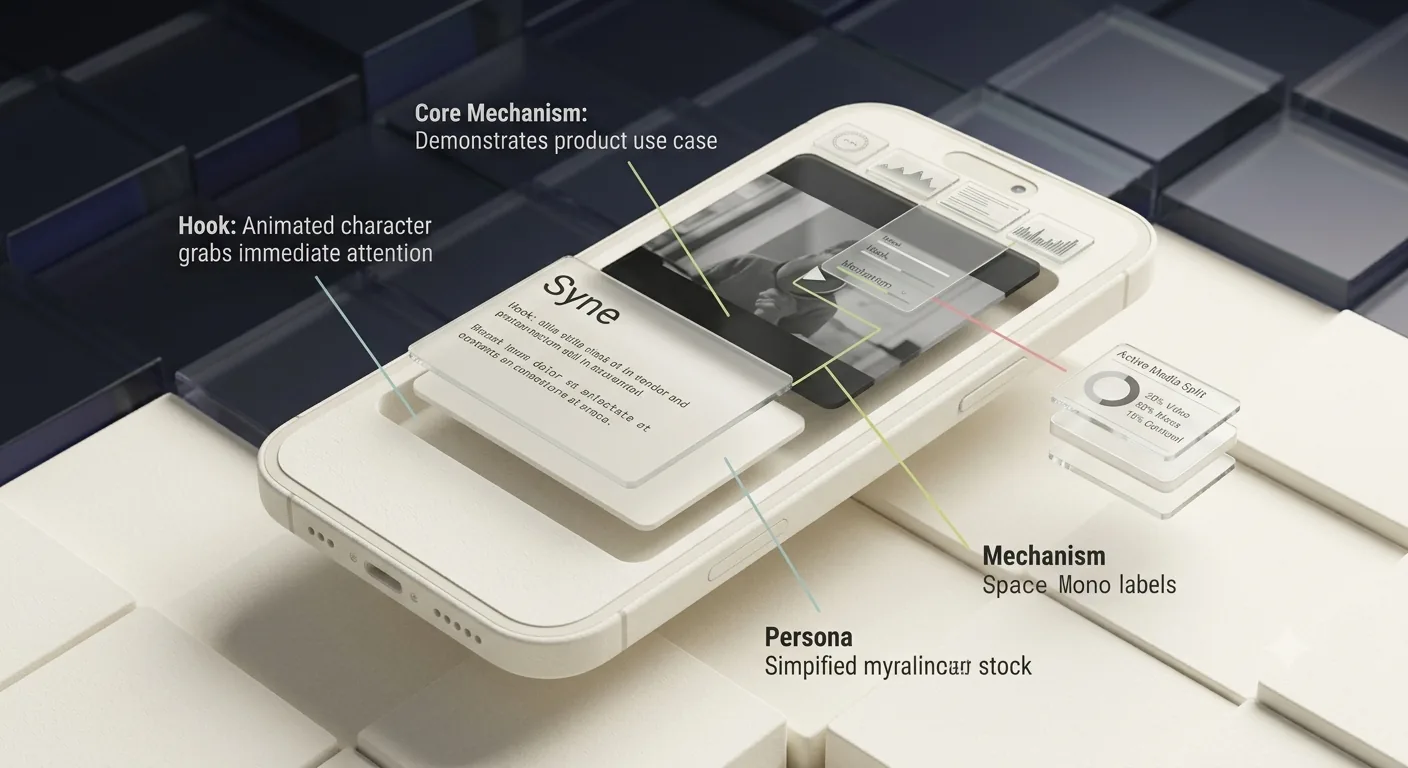
Spy on any competitor's full ad strategy
Brand Spy delivers a daily intelligence feed on any competitor brand: active ad volume by media type, messaging strategy, target audiences, and a map of which ads point to which landing pages.
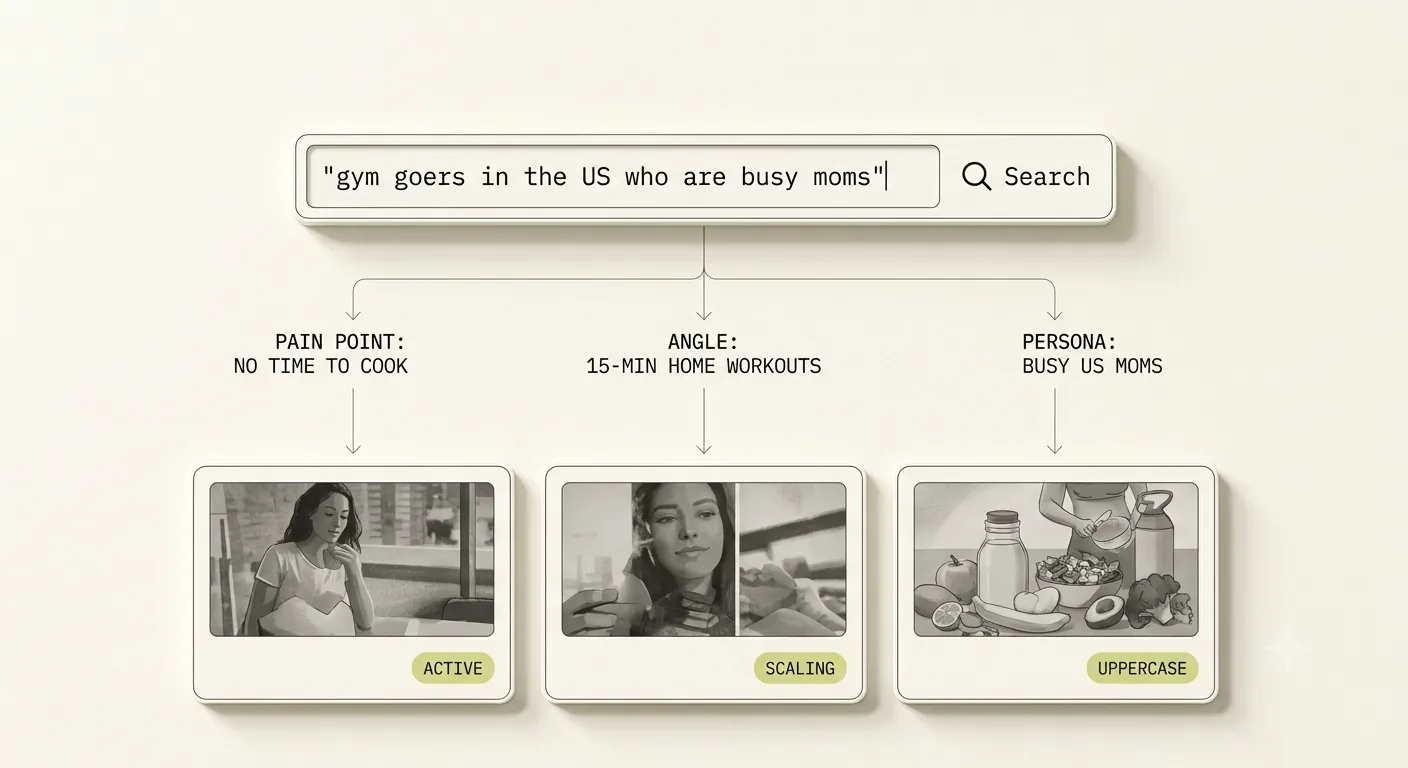
Search Facebook ads by describing your audience
Type who you're targeting, not what you're selling. 'Gym goers in the US', 'SaaS founders', 'people on GLP-1'. AI infers how advertisers reach that persona and surfaces the most relevant running ads from the live Facebook Ad Library.
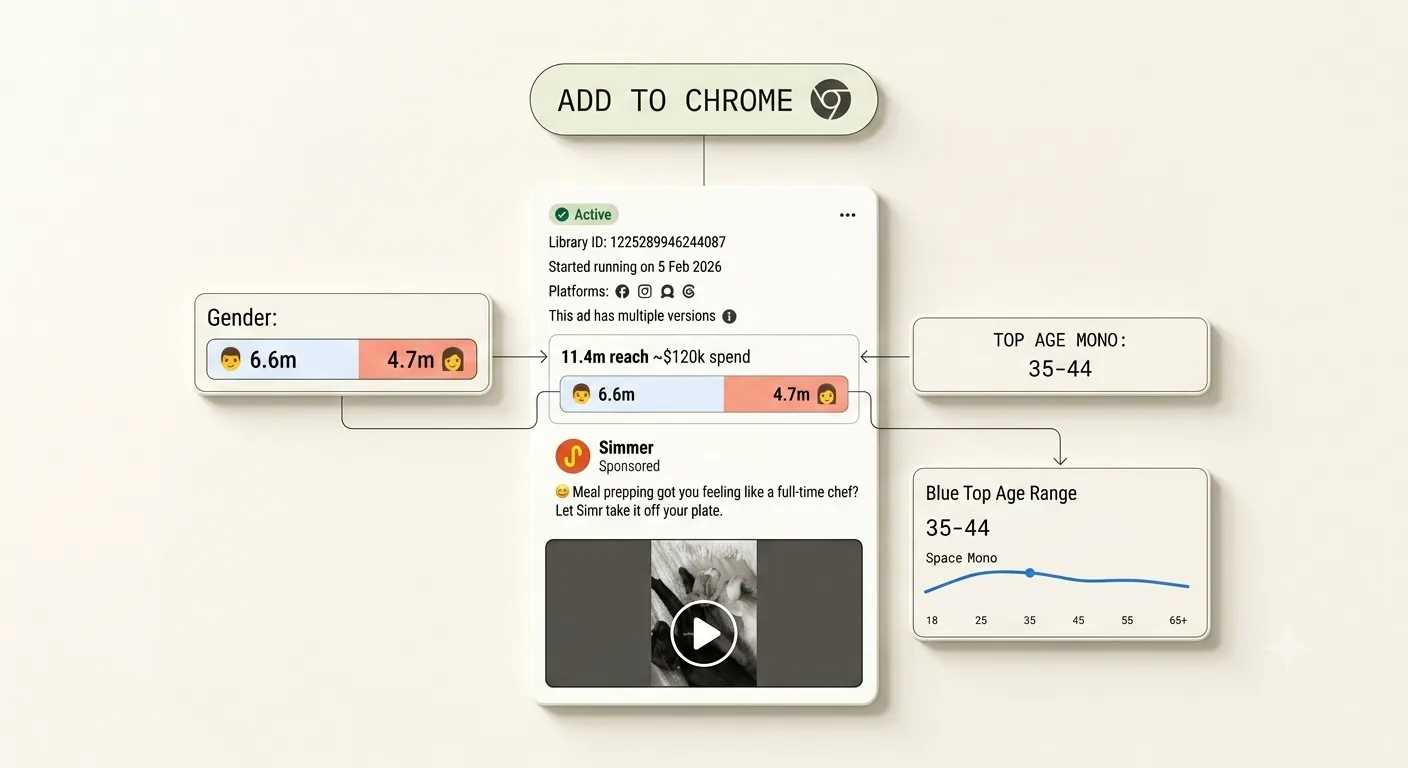
Download meta video ads in one click
Start downloading and saving ads from the Facebook Ads Library. Get age and gender breakdown for EU ads
Live breakdown
See a real ad, broken down second-by-second.
Every ad in Spreshapp gets sliced into hook, problem, solution, demo, and close, with the transcript, persona, and mechanism behind it.
Real customer reviews
Hear from our satisfied customers
See what our customers have to say about their experience.
"We run this across five client accounts. Time saved on competitive research alone paid for the tool in the first week."
"Saves me hours every week. The AI breakdown of what makes an ad work is honestly impressive."
"Found a winning angle for my client in the first session. The ad search is fast and the filters actually work."
"Our whole creative team references this daily. Best tool we've added to our stack this year."
"Brand Spy is the first thing I open on Monday. Knowing what my competitors changed over the weekend is a genuine edge."
Start saving money
Start saving money by copying ads that already work
See what winning brands are already running, borrow the patterns that convert, and waste less budget on creative that never had a shot.
Start Now for FreeFAQ
Everything you need to know before you start.
What does SpreshApp help me do?
What does SpreshApp help me do?
Download & Save Facebook ads. Export saved ads in csv, inspect active Facebook ad creatives using ai analysis to understand what’s working. Share your saved ad folder with team members
Do you support multiple countries?
Do you support multiple countries?
Yes. You can filter searches by country so you can focus on the markets that matter for your niche.
Can I save and export ads?
Can I save and export ads?
Yes. You can save creatives to your dashboard and export them for your research and creative workflows.
Can I cancel anytime?
Can I cancel anytime?
Yes. You can cancel your subscription at any time. Your plan stays active until the end of the current billing period, after which no further charges apply.
What happens when I hit my daily AI analysis limit?
What happens when I hit my daily AI analysis limit?
You can upgrade to Pro for a higher daily limit (50 analyses/day), or simply wait until the next day when your quota resets.
Can I switch plans or cancel anytime?
Can I switch plans or cancel anytime?
Yes. Upgrades and downgrades are prorated so you only pay for what you use. You can cancel anytime from your dashboard with no penalty.
Do all team members get full access?
Do all team members get full access?
Yes. Every seat on your plan gets full access to all features including the Chrome extension, ad saving, and AI analysis.