You already know the logic. If a competitor is running the same Facebook ad for three months, it's working. If you knew what it looked like, what it said, and what it offered, you'd know something worth knowing. That's why teams use ad spy tools.
The problem is that most comparisons of these tools are written by affiliates who get a cut from every tool they rank first. This one isn't. I'll tell you what each tool actually does, where it breaks down, and which use case it fits.
Find the right tool for you
Select your role to see tools matched to your workflow.
 Best value
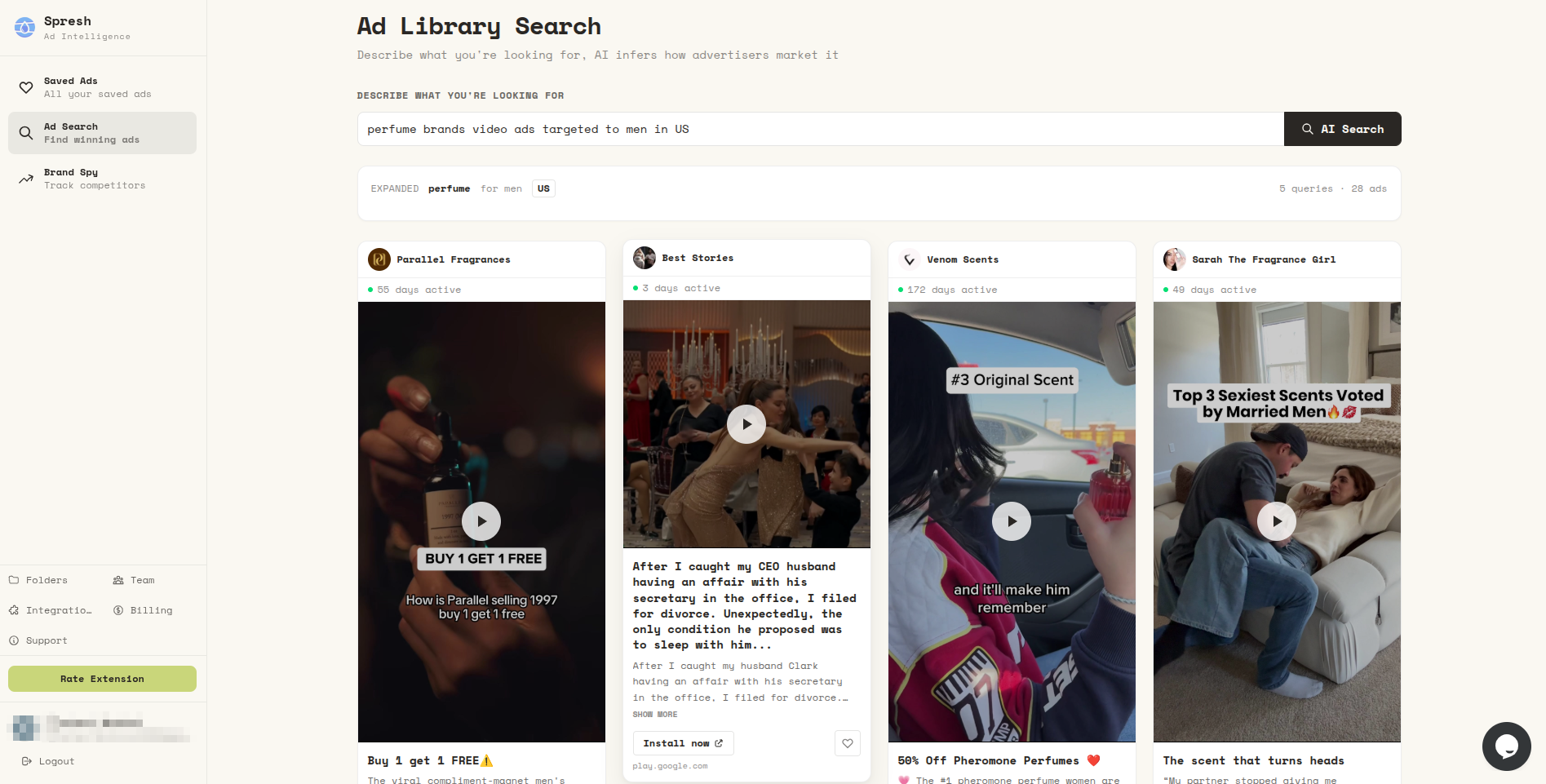
Live Meta ad library search with AI, brand spy, and a searchable swipe file for your team.
Try free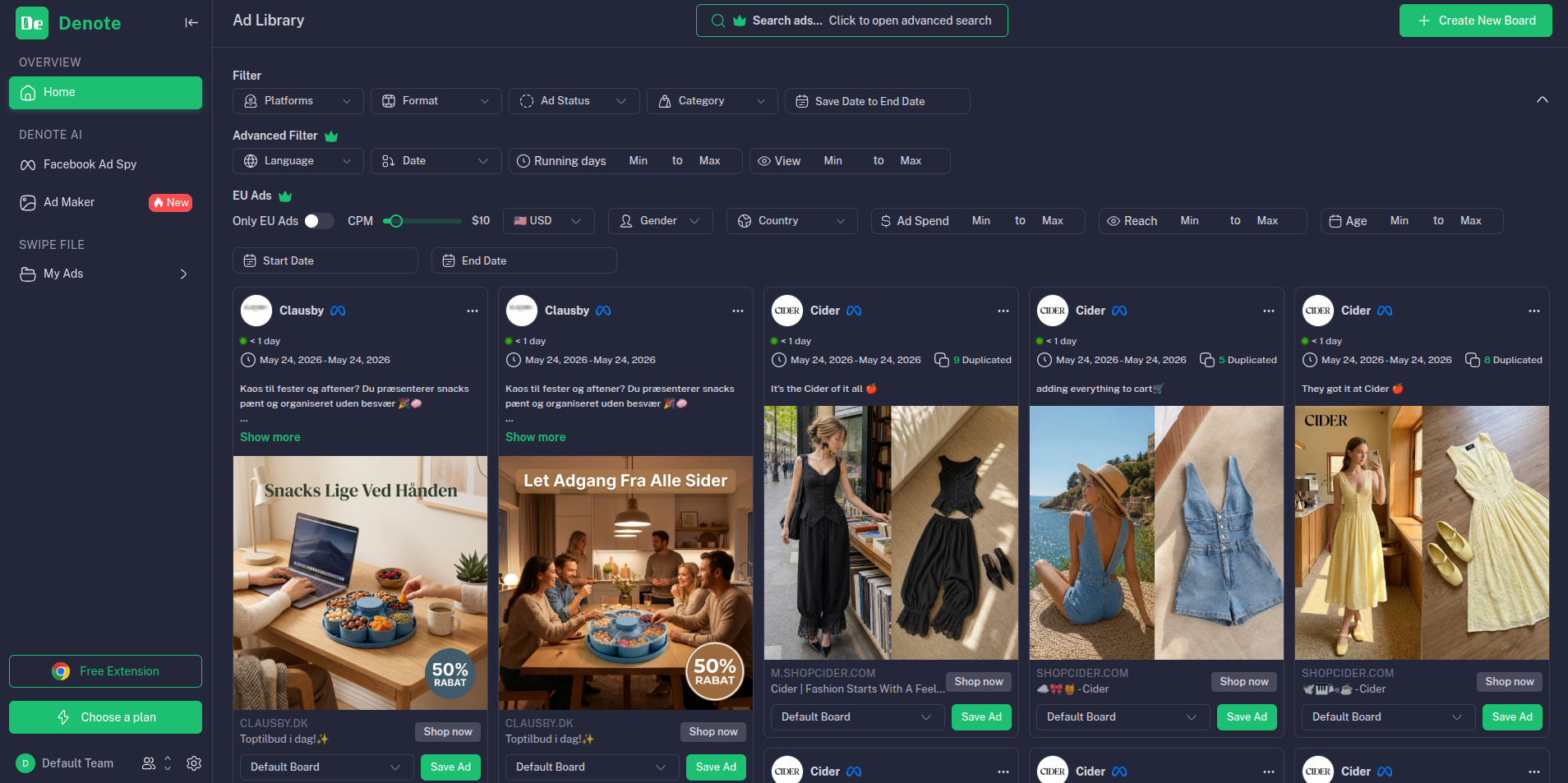
Save and spy on competitor brand ads across Facebook, Instagram, and TikTok.
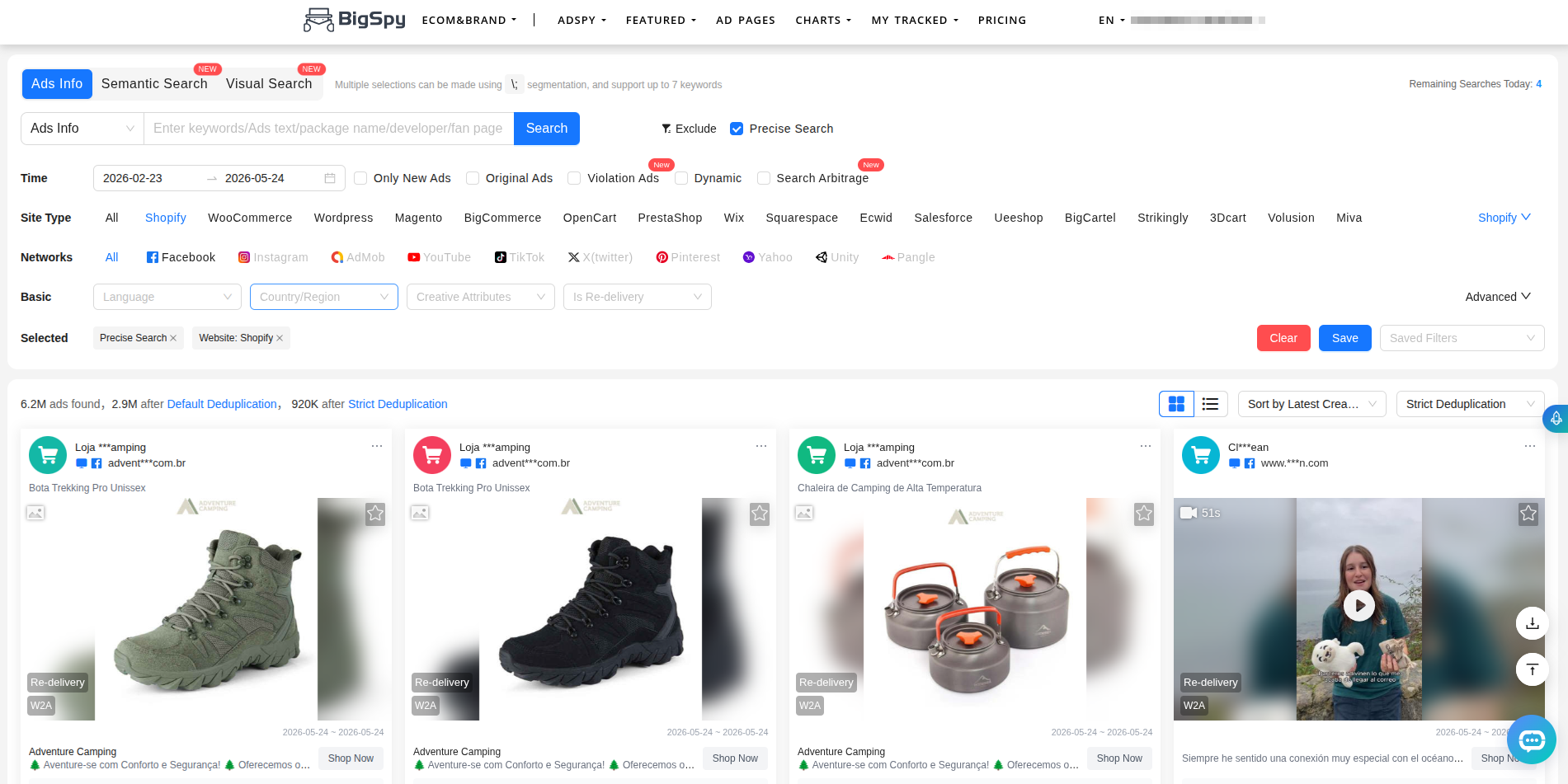
Good semantic and visual search. Covers more platforms than any other tool in this list.
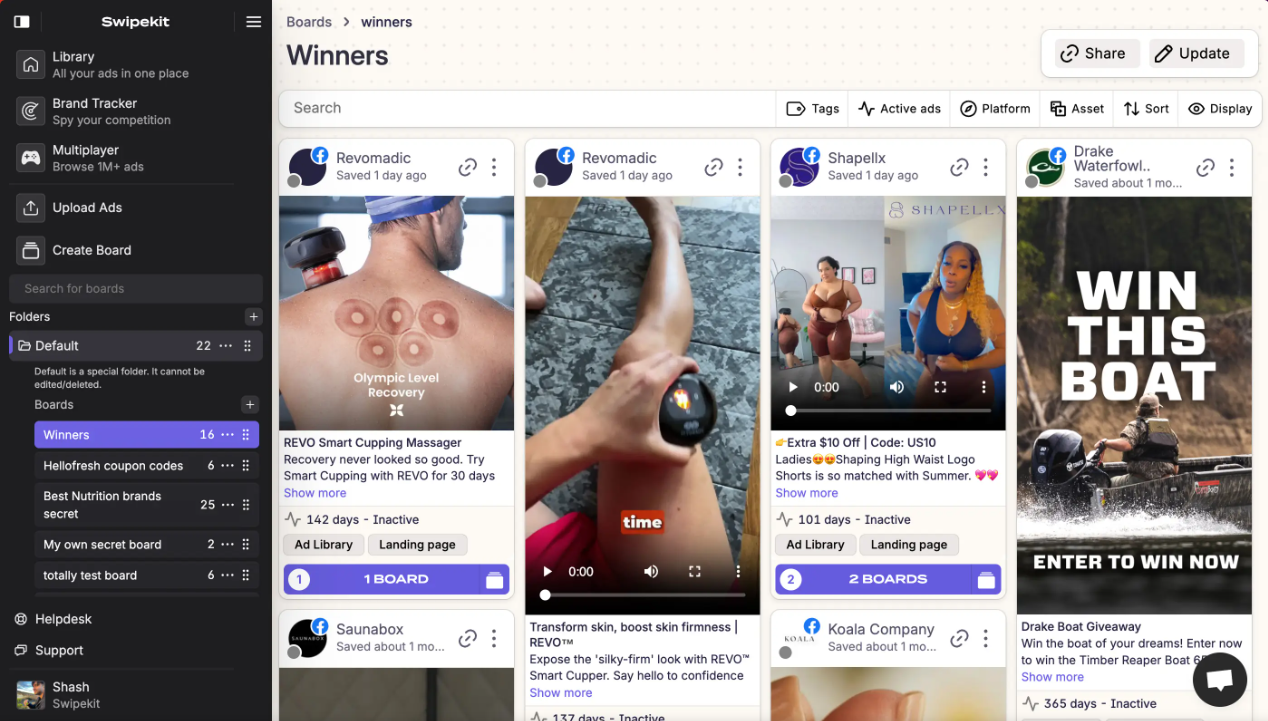
Save and organize winning ads. Good brand ad counts. Outdated ad library search.
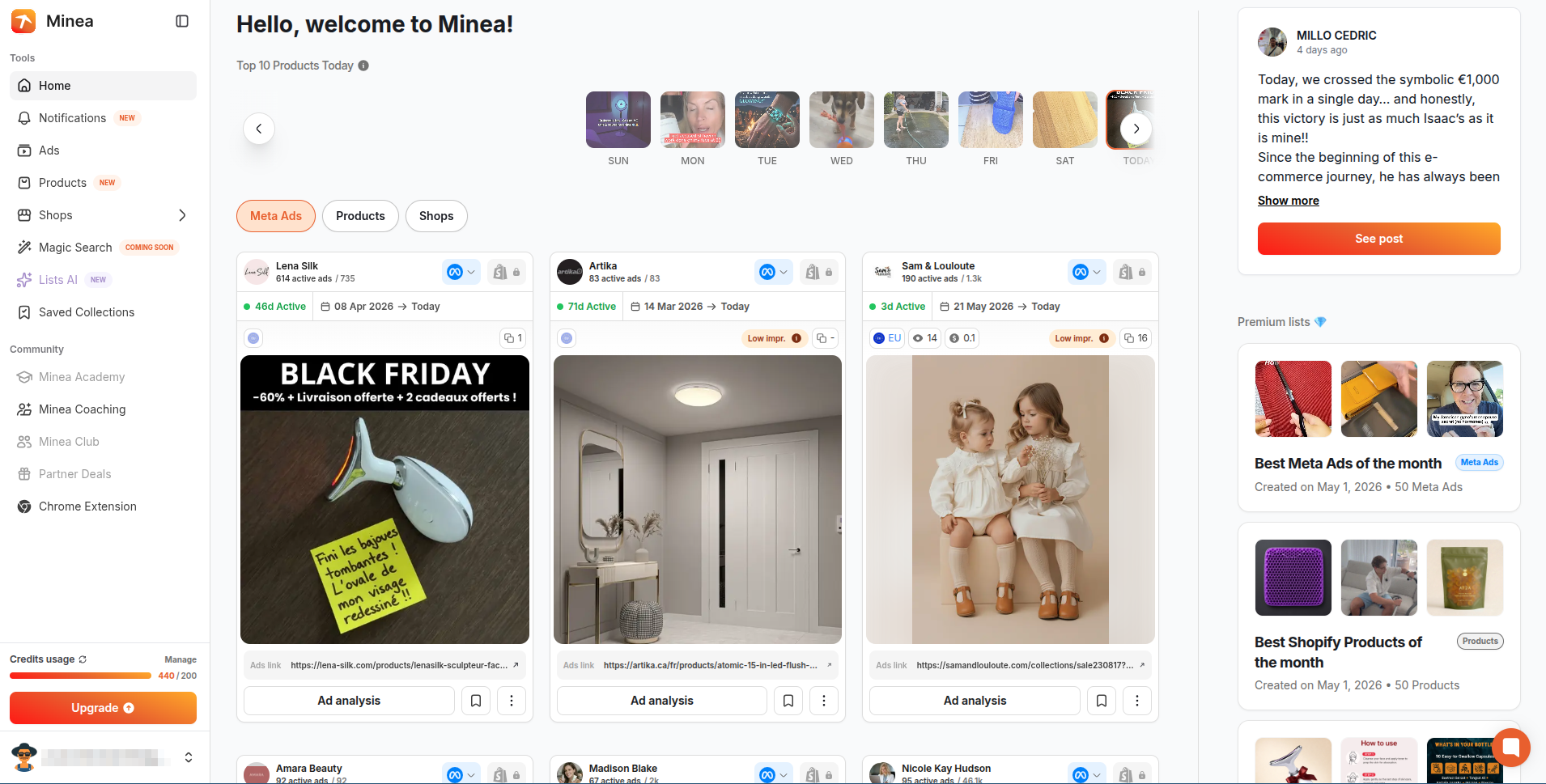
Built for product discovery and dropshipping. Shopify store insights included.
Outdated UI. Specializes in YouTube ads. Good for small agencies on tight budgets.
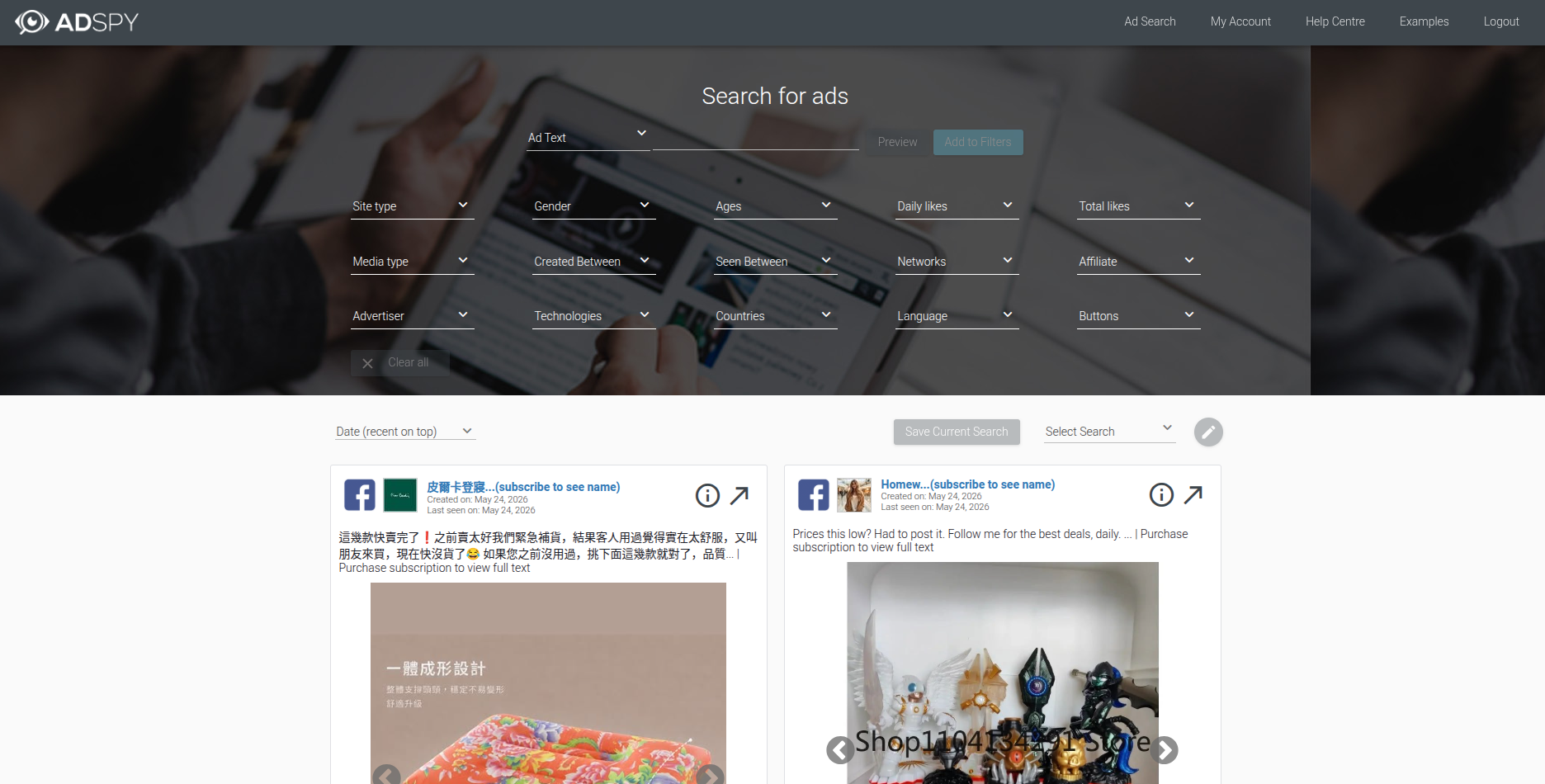
Deepest filtering in the market. Outdated UI, video requires subscription.
What to look for in a Facebook ad spy tool
Before comparing options, get clear on what actually matters. These are the criteria that separate useful tools from ones that look good in demos and disappoint in practice:
- Database size and freshness: How many ads does it index, and how current is the data? A stale database is useless for spotting what's working right now.
- Search and filter quality: Can you filter by country, ad type, engagement, run duration, platform, and niche? Broad browsing is not research.
- Save and organize: Can you save ads you find, tag them, and share them with your team? Most tools completely ignore this step.
- Pricing: Some tools charge $150+ per month for features you'll use twice. Know what you're actually paying for.
- Platform coverage: Facebook-only, or does it include Instagram, TikTok, YouTube?
Meta Ad Library: the free baseline
The Meta Ad Library is free, official, and always current. You can search any advertiser by name, browse their active ads across Facebook and Instagram, and see when each ad started running. No login required for basic searches.
It's the right first stop for a quick check on a specific competitor. But it hits walls fast. There's no performance data. You can't filter by engagement. You can't search by keyword across all advertisers at once. And there's no way to save or organize anything you find. You spot a great ad, you lose it three minutes later.
For serious research, the Meta Ad Library is a starting point, not a workflow. Pair it with the Spreshapp Chrome extension to save ads directly from the library into a searchable swipe file. That combination turns a browse-and-forget tool into an actual research asset.
Best for: Quick one-off competitor checks. Free, always accurate.
Fails at: Keyword search across all advertisers, filtering by engagement, saving ads.
AdSpy: the serious ecommerce choice
AdSpy has the deepest filtering of any Facebook ad spy tool available. You can search by ad text, headline, comment content, number of likes, country, platform, affiliate network, and more. The database covers hundreds of millions of ads. If you need to find ads in a specific niche running to a specific country with more than 1,000 likes, AdSpy can do that.
Most ecommerce brands doing serious competitor research eventually end up here. The filtering quality is where it earns its price. You're not scrolling through irrelevant results looking for something useful. You're running precise queries.
The downsides: it costs $149 per month and doesn't include TikTok. If your competitors are primarily running TikTok ads, AdSpy won't help you there. And like every other tool in this category, it has no built-in way to organize or share what you find. You find great ads, then you're back to dumping things into Notion or Slack.
Best for: Ecommerce brands, affiliate marketers, teams doing regular depth research.
Fails at: TikTok coverage, saving and organizing your finds, cost-efficiency for occasional users.
BigSpy: the broad-coverage option
BigSpy covers more platforms than AdSpy: Facebook, Instagram, YouTube, Twitter, Pinterest, and TikTok. If you need to track a competitor across multiple channels at once, that breadth matters.
The filtering is decent but not as refined as AdSpy. You can sort by engagement, date, and ad type. The database is large. Pricing starts around $9/month for basic plans but the useful tiers run $99+ per month. The free plan is heavily limited.
It's a reasonable choice for teams that need multi-platform coverage and don't need AdSpy's depth of filtering on Facebook specifically. For Facebook-focused research, most serious buyers prefer AdSpy. For cross-platform reconnaissance, BigSpy wins on coverage.
Best for: Multi-platform research, teams that need TikTok and YouTube alongside Facebook.
Fails at: Filter depth on Facebook specifically, organizing what you find.
PowerAdSpy: the multi-platform alternative
PowerAdSpy covers Facebook, Instagram, YouTube, Google, Reddit, and a few others. It's positioned as the all-in-one competitor intelligence tool for teams that would rather pay one subscription than several.
The interface is functional but not particularly fast. Filtering works. The database is smaller than AdSpy or BigSpy on Facebook specifically. Pricing runs $49 to $149 per month depending on which platforms you need.
If you run paid ads across several platforms and want one tool to cover all of them without paying for AdSpy and BigSpy separately, PowerAdSpy is a reasonable middle ground. It doesn't win on depth anywhere, but it covers a lot of ground at a single price point.
Best for: Teams running ads on multiple platforms who want one subscription.
Fails at: Filter depth, database size compared to specialized tools.
Minea: built for ecommerce product research
Minea targets dropshippers and ecommerce sellers specifically. It pulls ads from Facebook, TikTok, and Pinterest, and layers in product research data: store traffic estimates, AliExpress sourcing, and bestseller signals. If you're looking for winning products to sell, not just winning ads to study, Minea has features the other tools don't.
For pure ad creative research, it's overkill in the wrong direction. The product-finding features add cost and complexity you don't need if you're a brand studying competitor angles rather than hunting for the next dropship product.
Pricing starts around $49/month. The TikTok coverage is genuinely good. For dropshipping research workflows, it's worth evaluating seriously. For established brand marketing teams, AdSpy or BigSpy likely fits better.
Best for: Dropshippers, product researchers, ecommerce sellers sourcing new products.
Fails at: Deep brand creative research, teams who already know their products.
Spreshapp: the save-and-use layer
Spreshapp solves a different problem. The tools above help you find competitor ads. Spreshapp helps you keep and use what you find.
Here's the gap every other tool ignores: most teams find a great ad, screenshot it or paste the link somewhere, and never see it again. Two months later, a creative director needs a reference for a new brief. Nobody remembers where it went. The research happened. The knowledge didn't stick.
With Spreshapp, you save ads directly from the Meta Ad Library using the Chrome extension. One click captures the creative, the ad copy, and the advertiser metadata. You tag it by hook type, format, funnel stage, or anything your team uses. Your saved ads library becomes a searchable, shareable research asset rather than a forgotten folder.
You can also browse ads directly inside Spreshapp through the built-in Meta Ad Library view, which makes research and saving a single workflow rather than two separate steps.
Best for: Teams who already have a research process and need to preserve what they find. Pairs with any of the tools above.
Fails at: Replacing a dedicated spy tool's filtering depth if you don't already have access to the Meta Ad Library.
Side-by-side comparison
| Tool | TikTok | Filter depth | Save & organize | Price (entry) | |
|---|---|---|---|---|---|
| Meta Ad Library | Yes | No | Weak | No | Free |
| Spreshapp | Yes (via Meta Ad Library) | Yes | Excellent, persona based AI search | Full library, tags, notes, team sharing | 7$/mo |
| AdSpy | Yes | No | Excellent | Basic bookmarks | $149/mo |
| BigSpy | Yes | Yes | Good | Basic | $9–99/mo |
| PowerAdSpy | Yes | Yes | Moderate | Basic | $49/mo |
| Minea | Yes | Yes | Good | Basic | $49/mo |
Which tool should you actually use?
The honest answer depends on what you're trying to do.
If you're doing occasional competitor checks with no budget, the Meta Ad Library plus the Spreshapp Chrome extension is the highest-leverage free setup. You get current, accurate data and you don't lose the ads you find.
If you're running Facebook ads at any real scale and need to find winning creative angles in a specific niche, AdSpy is worth the $149. The filter quality will save you that much in wasted test spend within a couple of months.
If you're running multi-platform campaigns and need coverage across Facebook, TikTok, and YouTube without paying for three separate tools, BigSpy or PowerAdSpy covers that ground reasonably well.
If you're a dropshipper hunting for the next product to source, Minea's product data layer is actually useful. For brand teams, it's probably not worth the added complexity.
Whatever tool you use to find ads, add Spreshapp to keep them. The research compounds when you can actually find it later. A swipe file your team can search is a competitive asset. A screenshot in Slack is not. Learn more about building a solid swipe file system and how to get the most out of your ad creative research workflow.
The step most teams skip
Finding great ads is the easy part. The hard part is building a library that your creative team, media buyers, and strategists can reference six months from now when they're briefing new content.
Most teams do this badly. Screenshots in Slack. Links in Notion that nobody opens. Folders nobody can find. The knowledge leaves with the person who found it.
A dedicated ad library changes that. When your creative director can search "UGC video hooks, skincare, 2025" and get 40 real examples your team already vetted, briefing takes 20 minutes instead of two hours. That's the actual ROI on research tools: not just finding ads, but making the knowledge stick.
Start with whatever spy tool fits your budget and workflow. Then build the habit of saving what you find to a place your whole team can use. The two steps together are where the value is.