
Free Facebook Ad Library Downloader
Preview and download the public image, video, or carousel creative in a few seconds.
Your ad creative will appear here.
Video ads, image ads, and carousel cards will appear here when Meta returns them.
Facebook Ad Library
Video Downloader
Download Facebook video ads for free, directly from the FB Ads Library. Our Chrome extension adds a one-click fb ad downloader to every ad, no extra tools needed.
 Add to Chrome, It's Free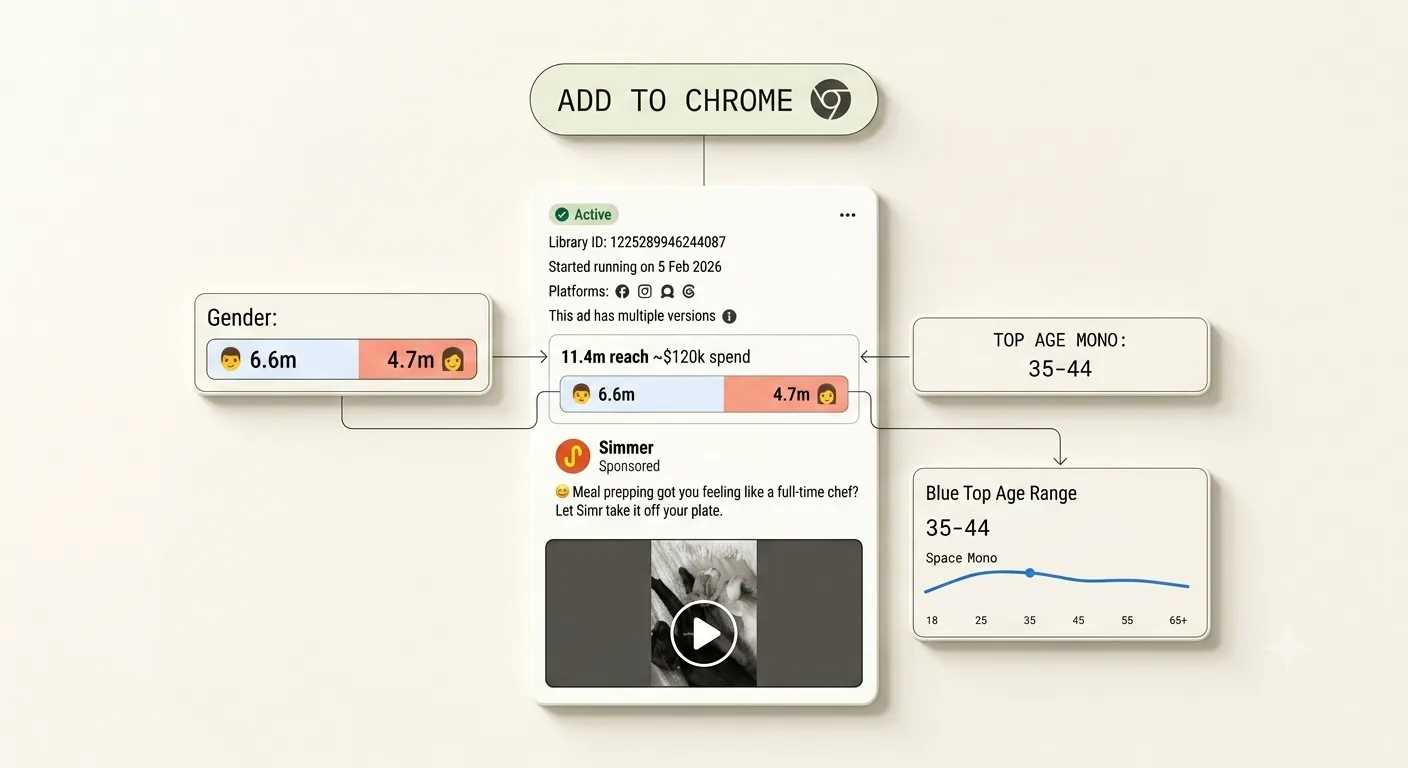
FAQ
Common questions about the Facebook ad library video downloader.
Is the Facebook ad library video downloader free?
Is the Facebook ad library video downloader free?
Yes. The Chrome extension is completely free to install and use for downloading Facebook ad library videos, images, and carousels. There is no account required just to download ads.
How do I download a video from the Facebook Ads Library?
How do I download a video from the Facebook Ads Library?
Install our free Chrome extension, then visit the Facebook Ads Library (facebook.com/ads/library). A download button will appear on every ad. Click it to save the video or image directly to your device.
Does the fb ad downloader work on all ad types?
Does the fb ad downloader work on all ad types?
Yes. The extension works on video ads, image ads, and carousel ads in the Facebook Ads Library. It also works on ads displayed in the library from Instagram, Messenger, and Audience Network placements.
Is it legal to download Facebook ads from the Ads Library?
Is it legal to download Facebook ads from the Ads Library?
The Facebook Ads Library is a public transparency tool provided by Meta. Downloading ads for personal research, creative analysis, or competitive intelligence is generally accepted for non-commercial use. Always respect the intellectual property of the advertisers whose ads you download.
What happens to my downloaded ads inside SpreshApp?
What happens to my downloaded ads inside SpreshApp?
When you save an ad through the extension, it gets stored permanently in your SpreshApp library. You can tag, organize, and analyze them with AI, build swipe file folders, and share collections with your team.