Facebook Ad Library MCP
Ad Library MCP for AI agents
Connect Claude, Codex, OpenClaw, Hermes, and other AI agents to Spresh so they can search Facebook ads, inspect competitor creatives, and turn Meta ad data into strategy.
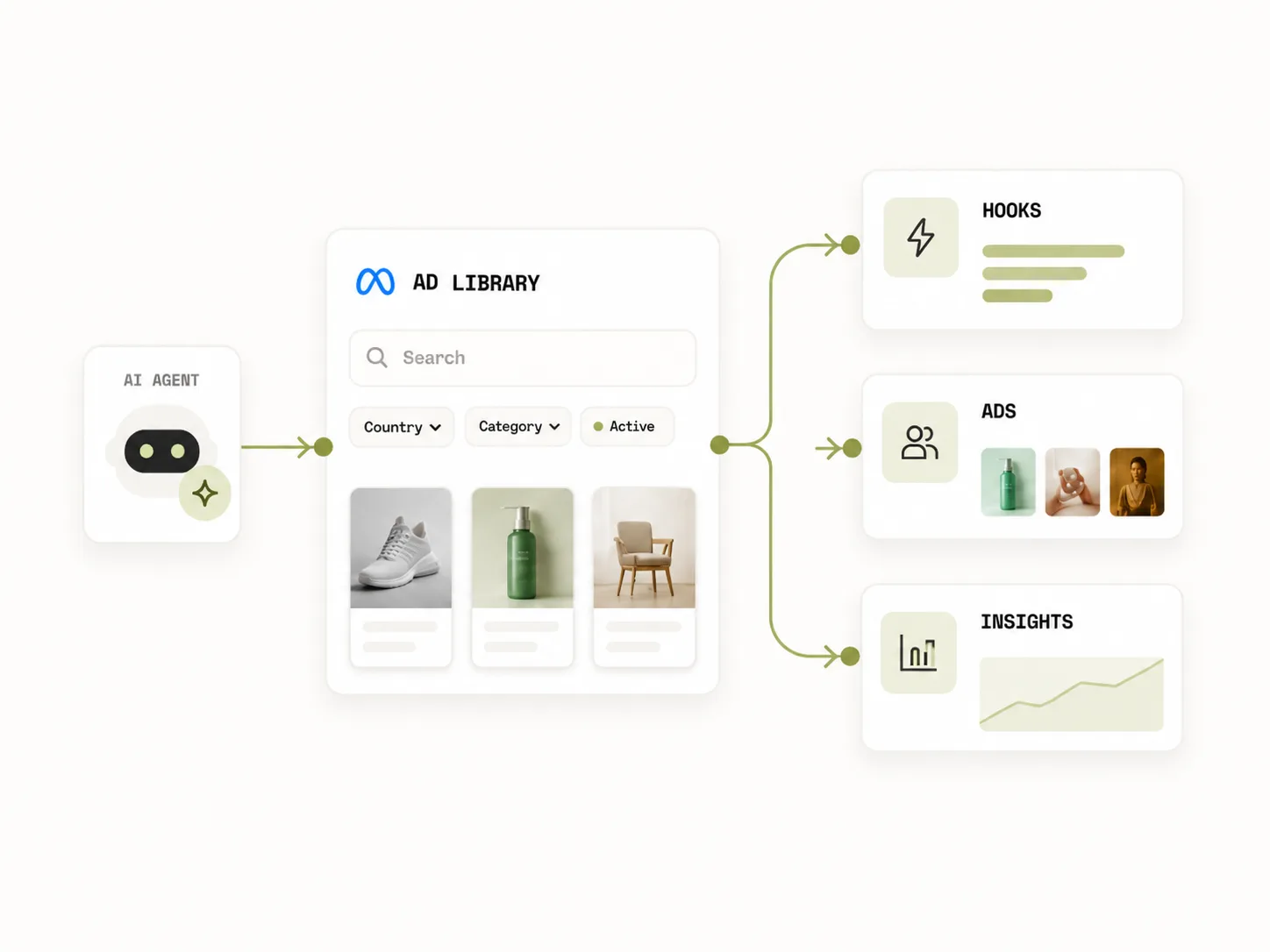
Copy one prompt. Let your agent install the MCP.
 Claude Prompt based installer
Paste this into Claude
Install the Spresh Facebook Ad Library MCP in Claude. Add an MCP server named spreshapp-ad-library using the URL https://api.spreshapp.com/mcp, ask me for my Spresh API key, add it as an Authorization Bearer header, then verify the server is connected and show me three example prompts for competitor ad research.
Manual config fallback
{
  "mcpServers": {
    "spreshapp-ad-library": {
      "url": "https://api.spreshapp.com/mcp",
      "headers": {
        "Authorization": "Bearer your_api_key_here"
      }
    }
  }
}
Setup checklist
- 1 Copy the Claude install prompt.
- 2 Paste it into Claude Desktop or Claude Code.
- 3 Add your Spresh API key as a Bearer token, then test the connection with a competitor search.
Try after setup
“Find active ads from Athletic Greens and group them by hook.”
“Show skincare ads running in the US for more than 60 days.”
“Analyze the offer structure across these competitor ads.”
MCP tools
What your agent can call
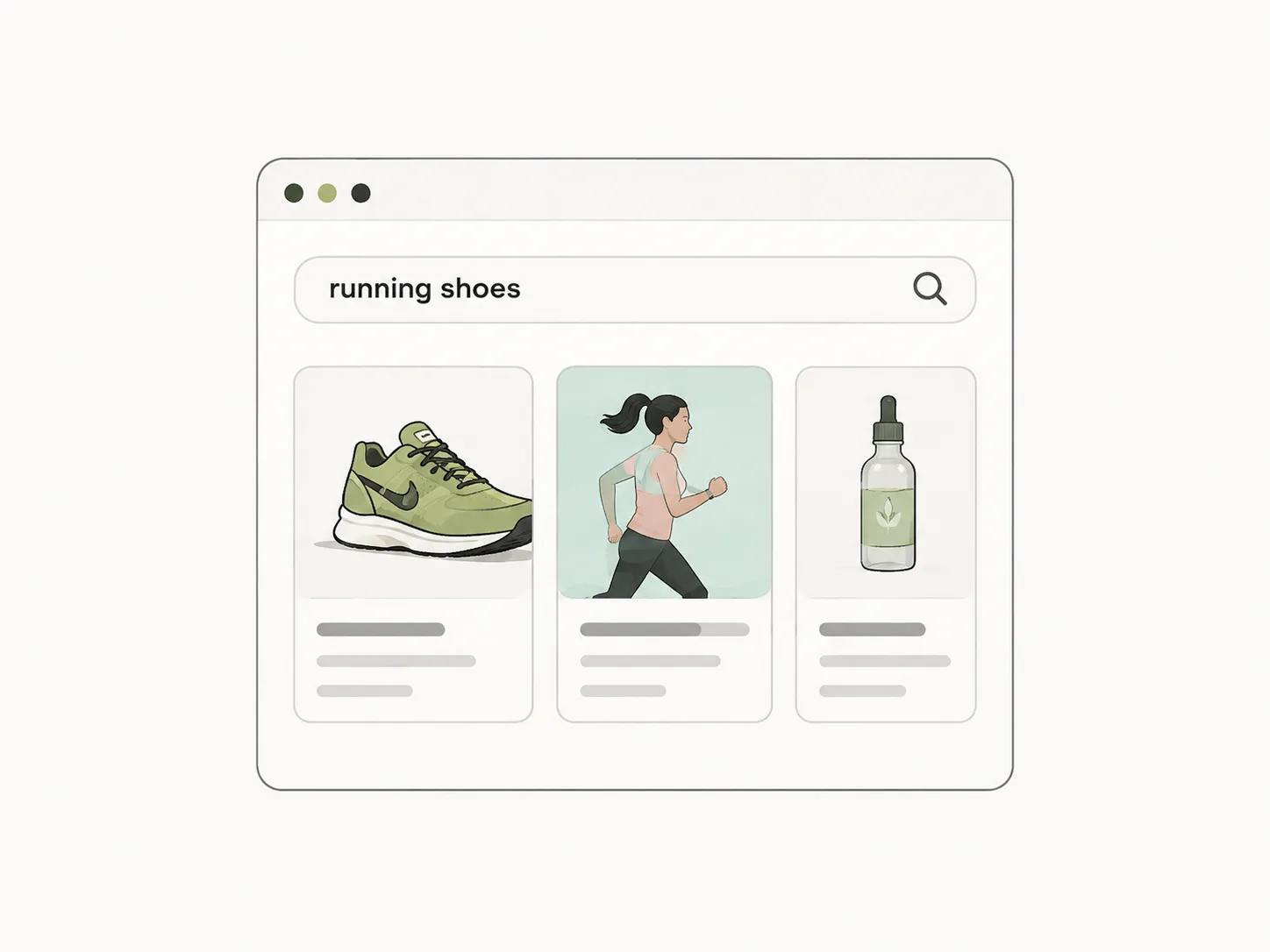
search_ads
Search active and inactive Facebook ads by keyword, country, format, page, and niche.
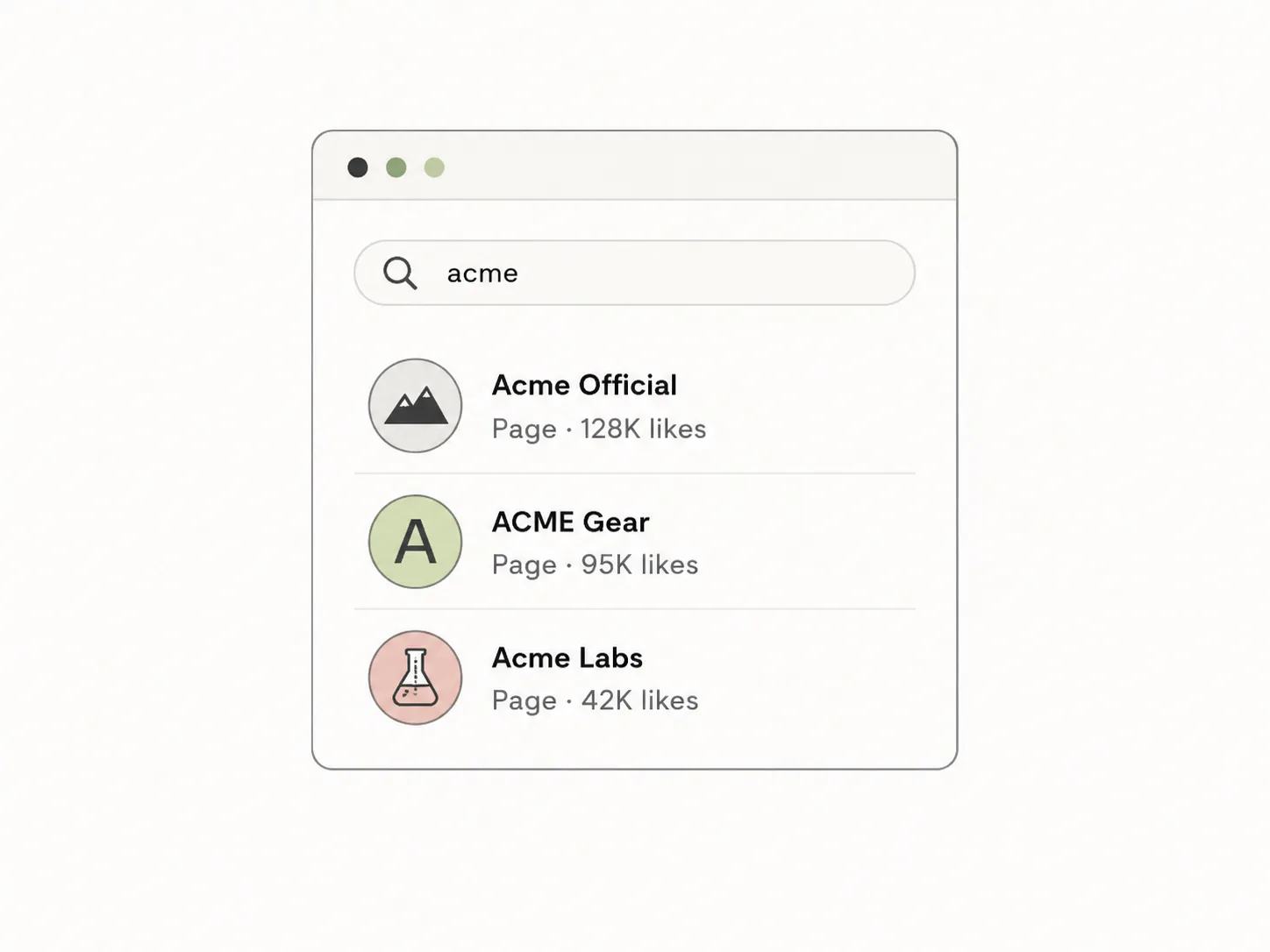
search_brands
Find Meta pages for brands and competitors before pulling their active ad library.
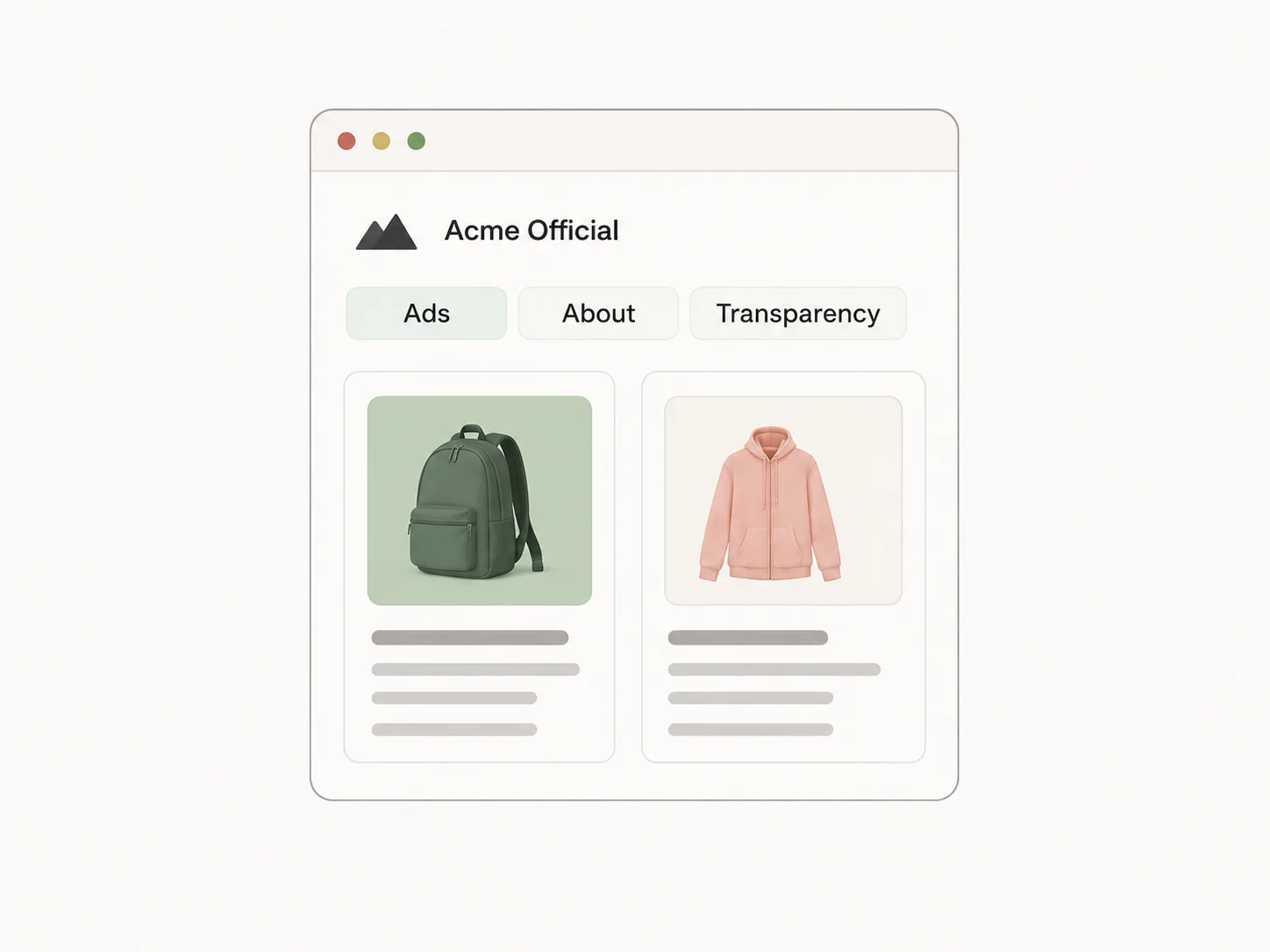
get_brand_ads
List active ads for a brand with creative URLs, copy, landing pages, and metadata.
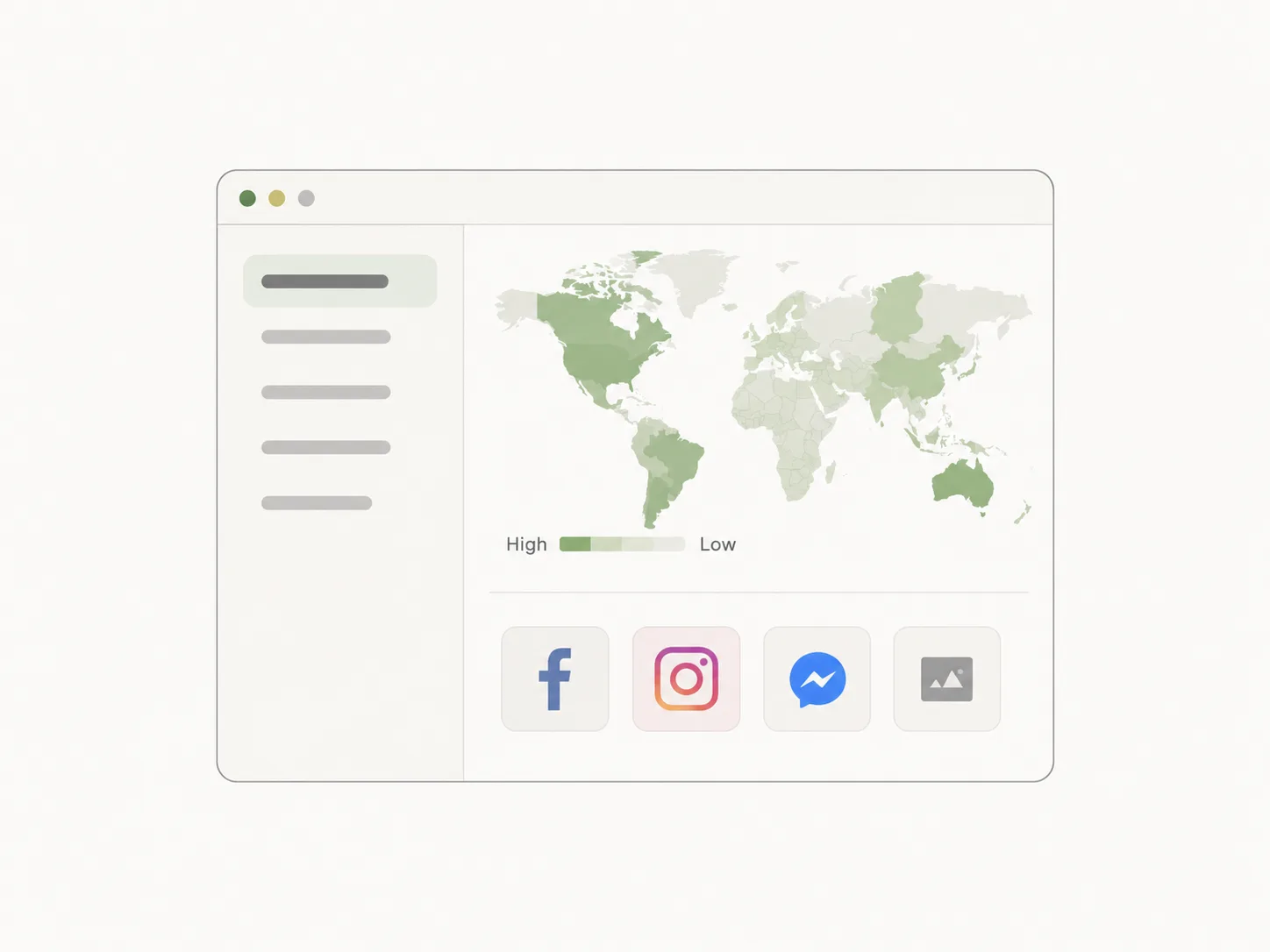
get_ad_details
Fetch ad transparency data, creative fields, audience regions, and ad level details.
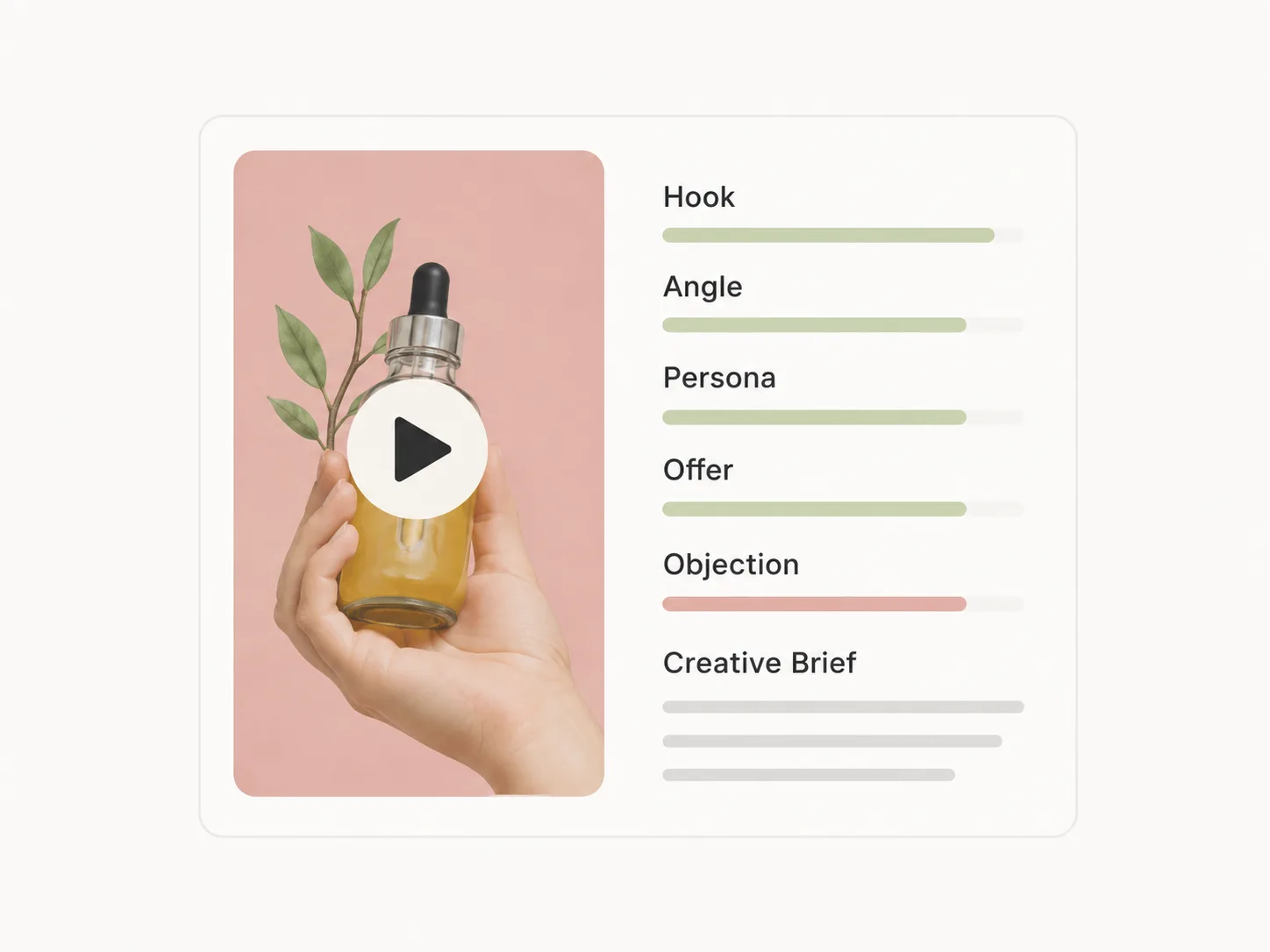
analyze_creatives
Turn ad examples into hooks, angles, personas, offers, objections, and creative briefs.
FAQ
Questions before you connect
What is an Ad Library MCP?
An Ad Library MCP connects an AI agent to Facebook and Meta ad research tools through the Model Context Protocol. Instead of switching tabs, the agent can search ads, inspect competitor creatives, and summarize patterns inside the chat.
Do I need to code to use the Spresh Ad Library MCP?
No. Most users can copy the install prompt for their agent, paste it into the assistant, add their API key, and start asking ad research questions.
What can I ask after installing it?
You can ask for competitor ads, long running creatives, hook analysis, country specific ad examples, landing page patterns, and creative brief ideas based on real Facebook ad data.
Ready
Connect your agent to live ad intelligence
Start with free credits, install the MCP, and ask your agent to research real ads instead of guessing from stale swipe files.
Get started free